PiPod
AI podcast generator designed and built from scratch
Browse & Discover
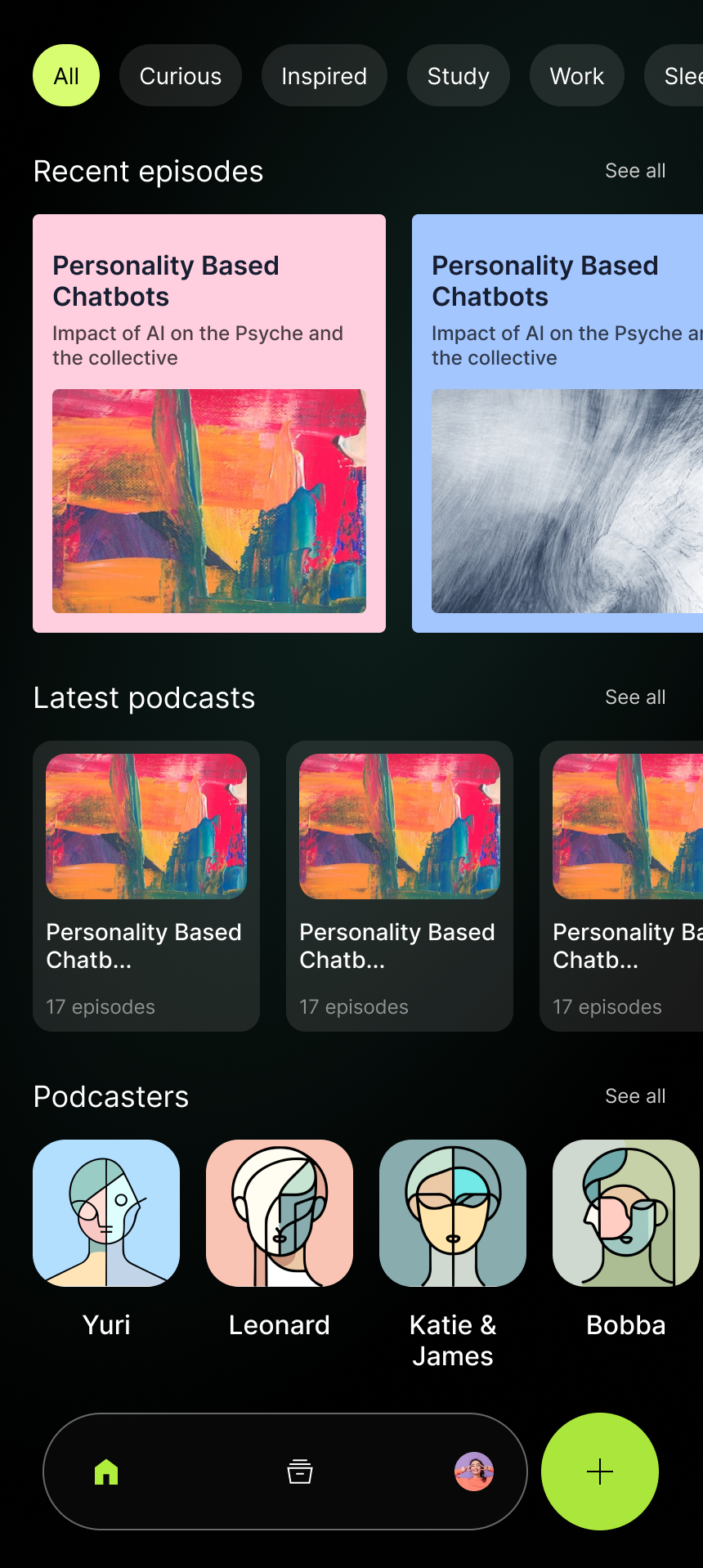
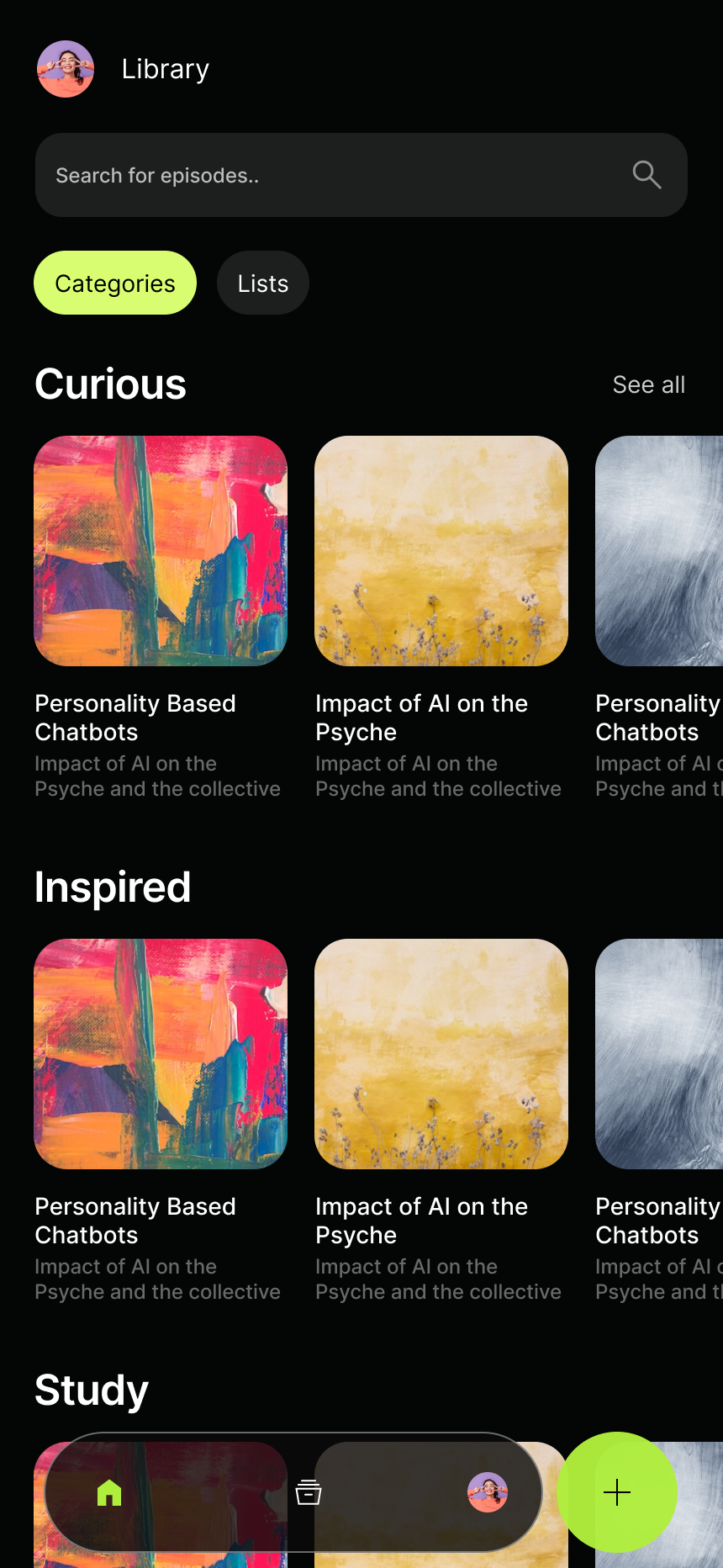
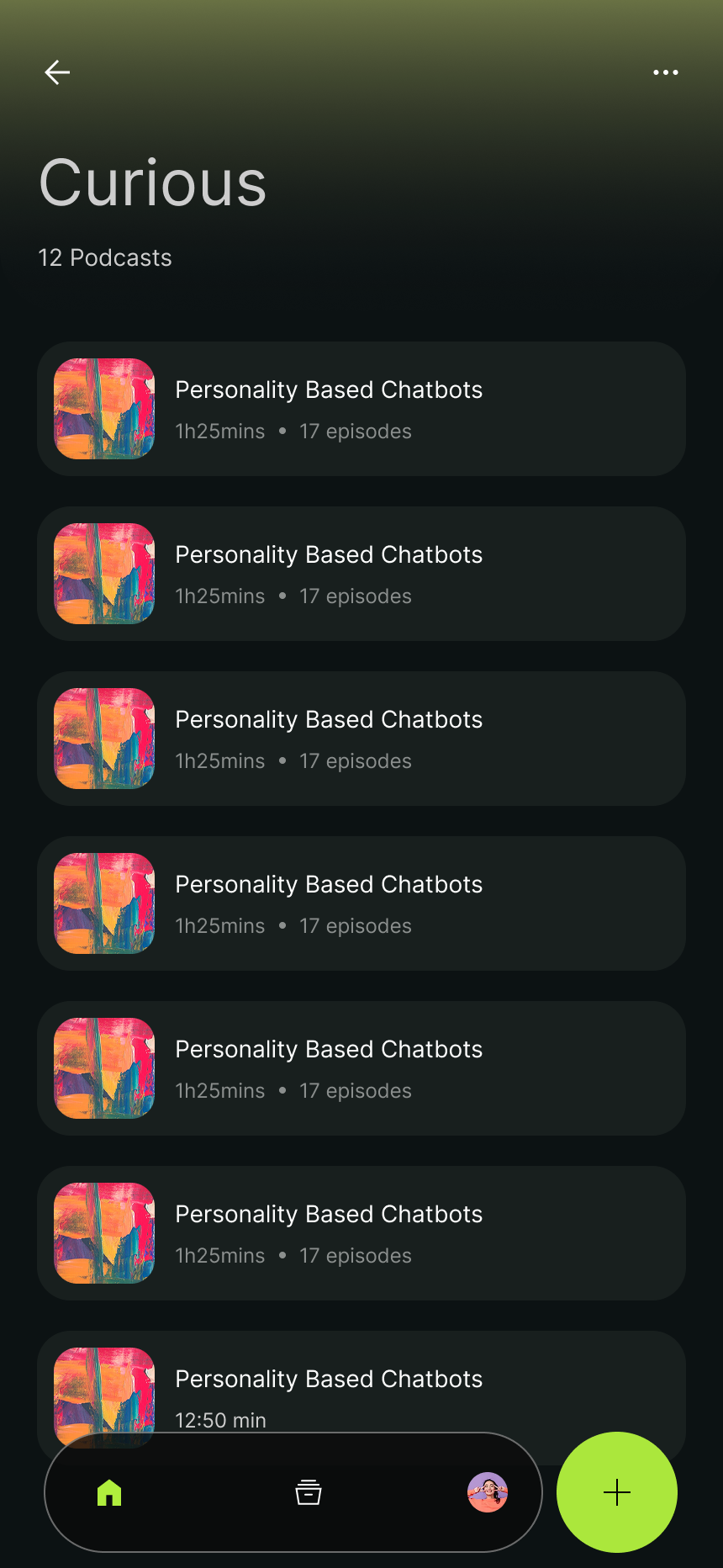
The home screen organizes AI-generated podcasts by recent episodes, latest podcasts (episode containers), while the library screen organizes podcasts by mood and topic, such as "Curious", "Inspired", "Study", or "Work". The design decision: users don't know what they want to hear yet, so the interface is built for browsing, not searching.
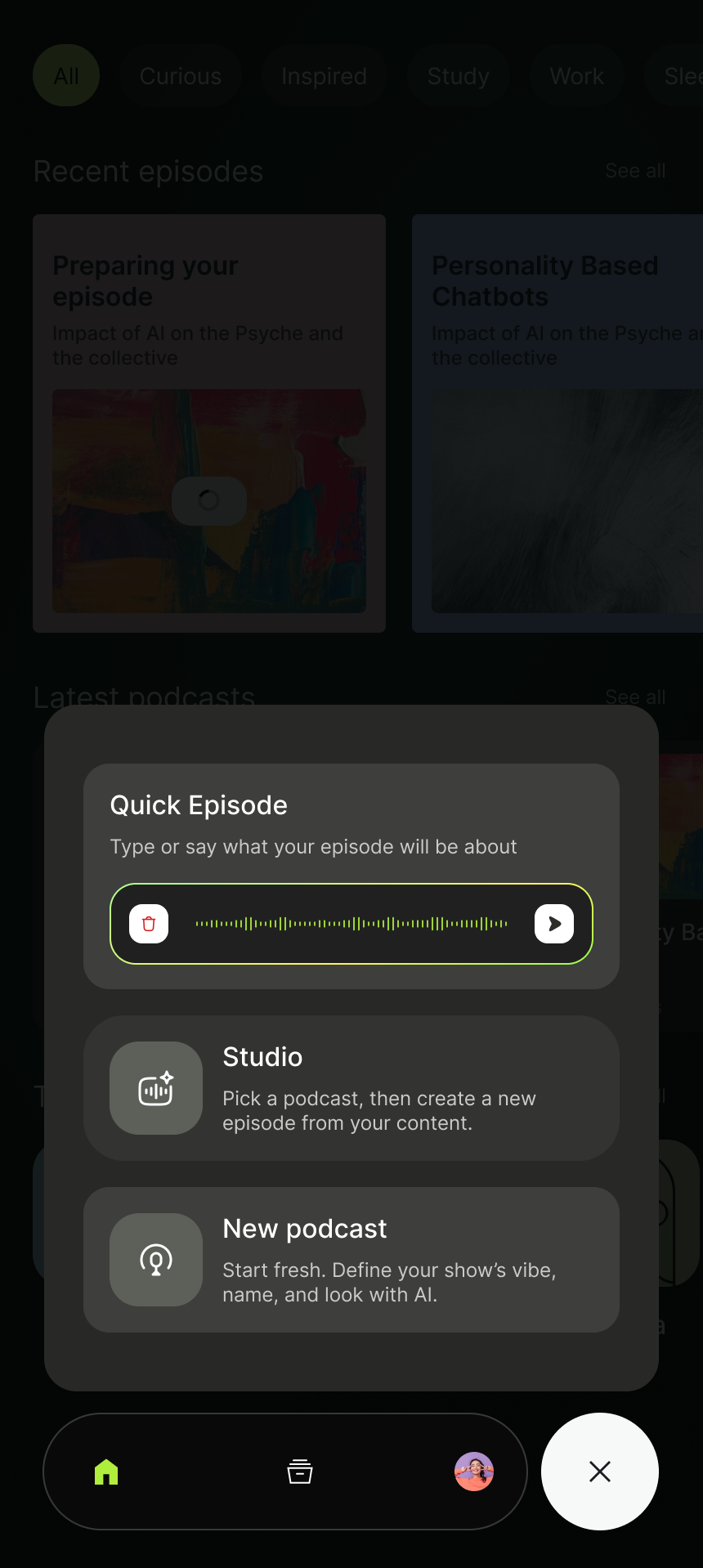
A persistent bottom nav and slide-out drawer keep navigation fast. The library view collects all generated content in one place.
Creating an Episode
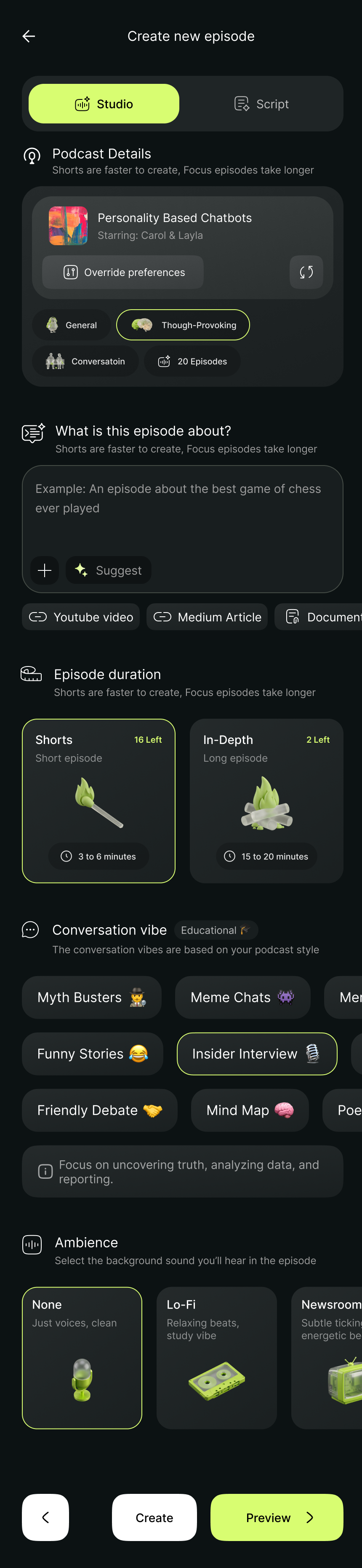
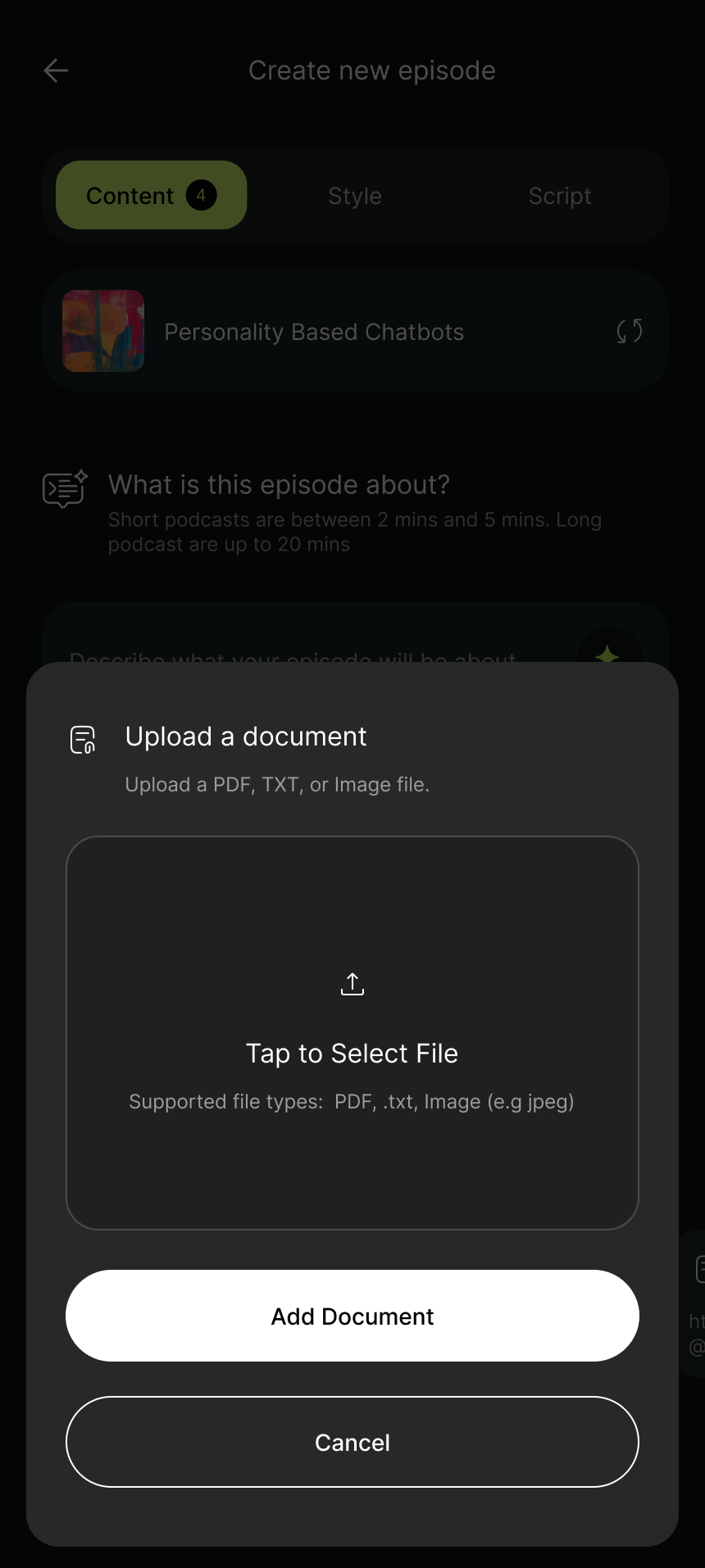
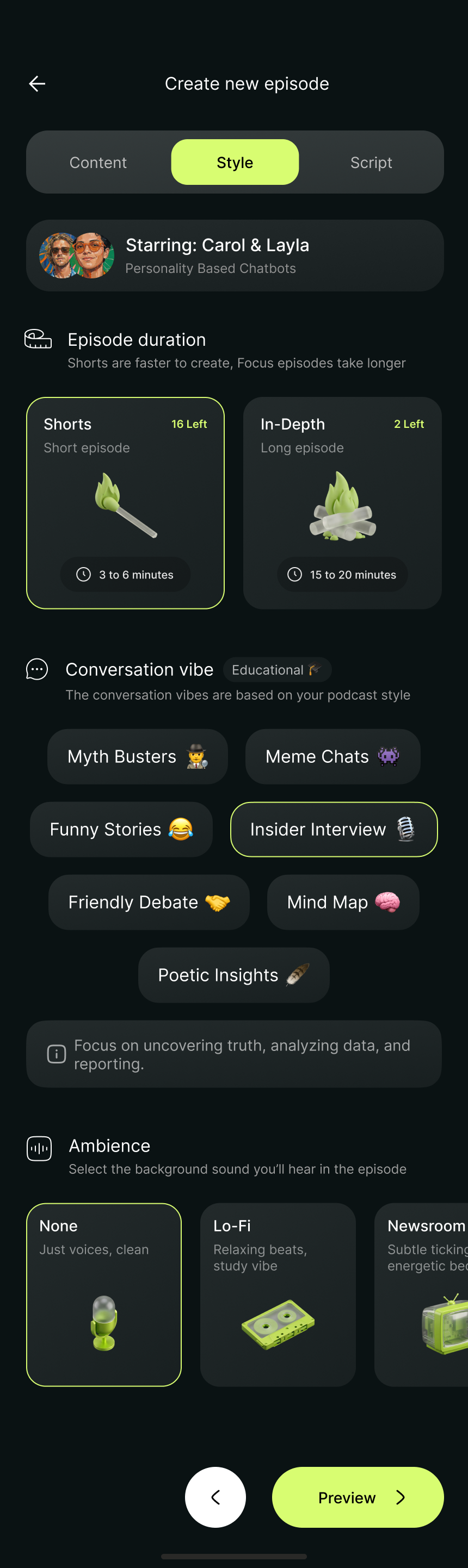
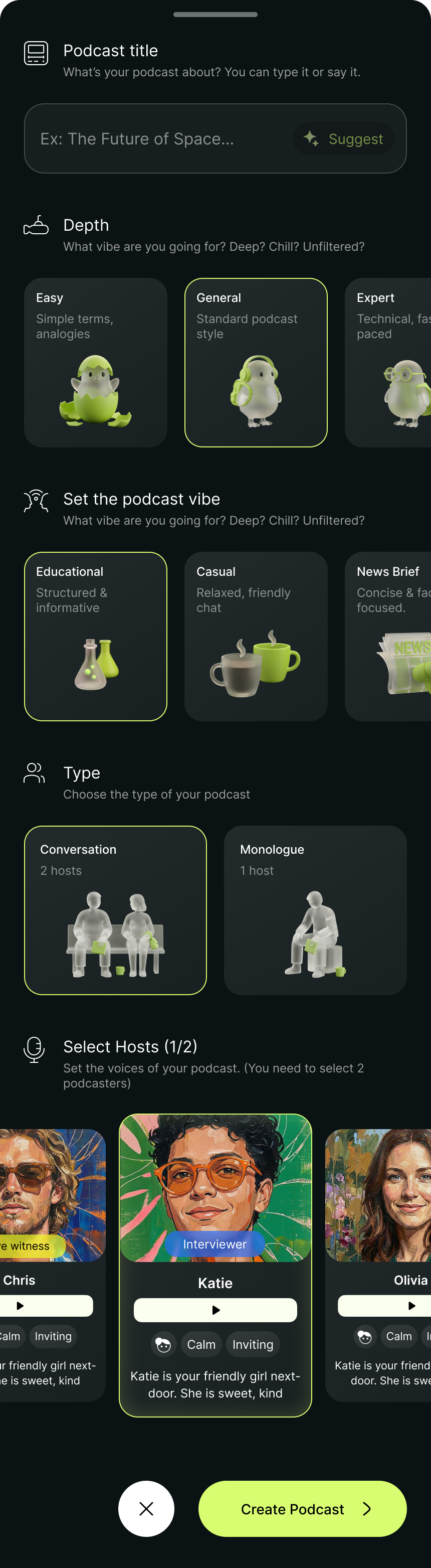
The core product flow: pick a topic, upload reference material, choose an AI voice, and generate a full podcast episode. I designed the creation wizard as a stepped flow where each decision builds on the previous one, and the interface previews the result at every stage.
The challenge was making an inherently complex process (AI script generation and voice synthesis) feel like filling out a simple form. No exposed parameters, no raw API config. Just: what do you want to talk about?
Generation & Playback
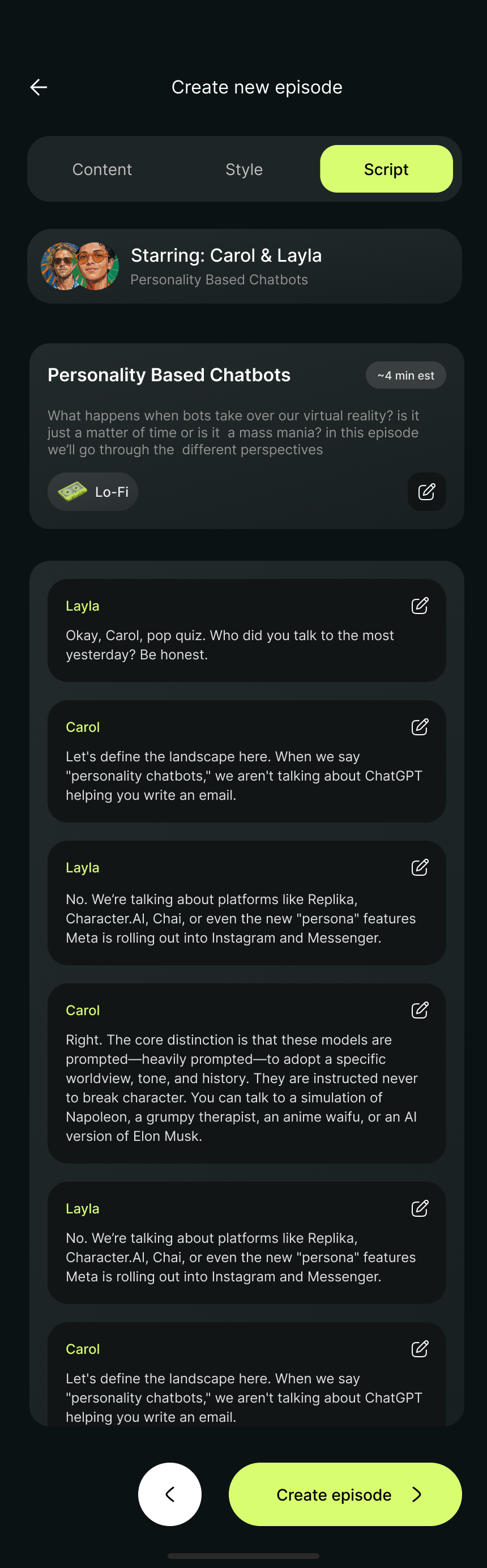
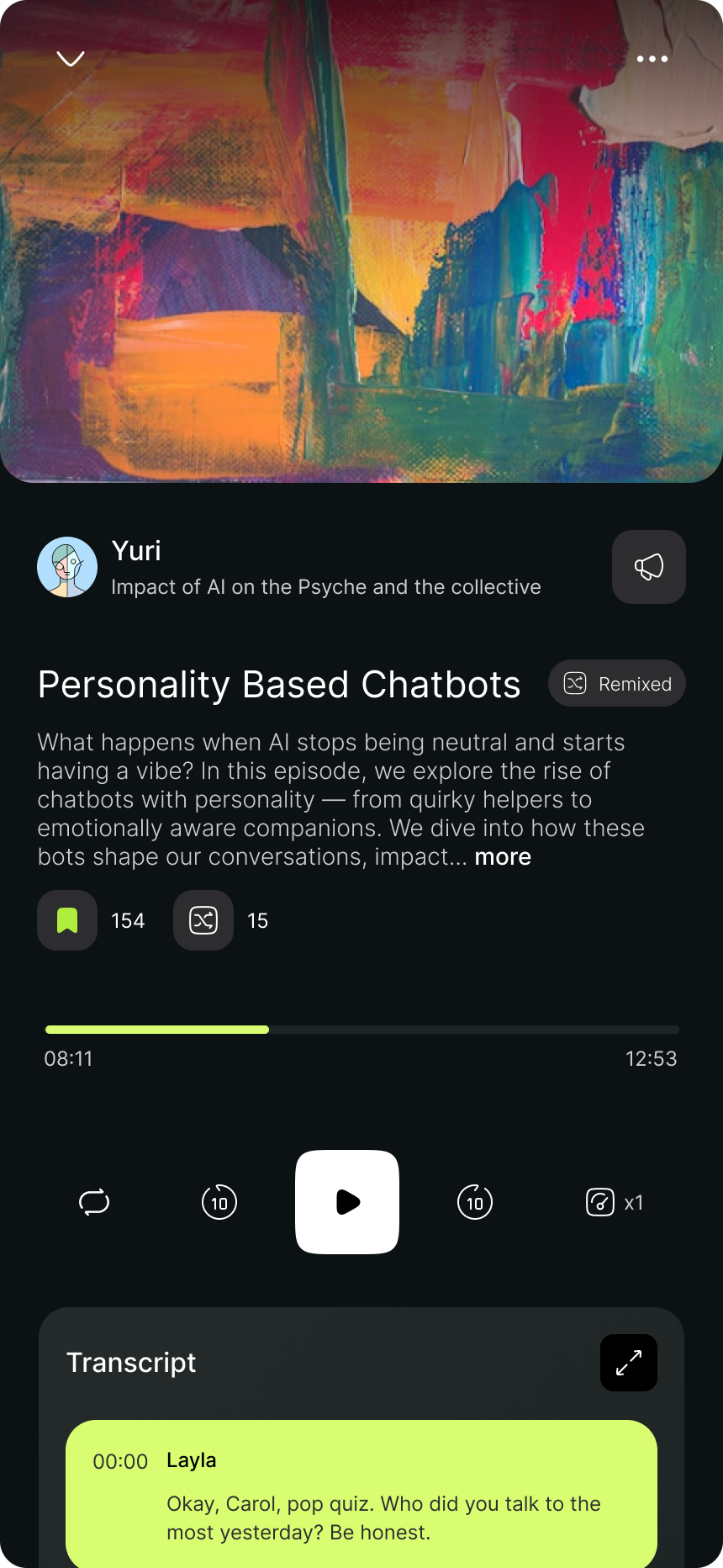
Once sources are added, the system generates scripts and synthesizes audio. I designed clear progress indicators for each stage (source processing, script writing, and voice rendering) because the generation step takes time and users need confidence the system is working.
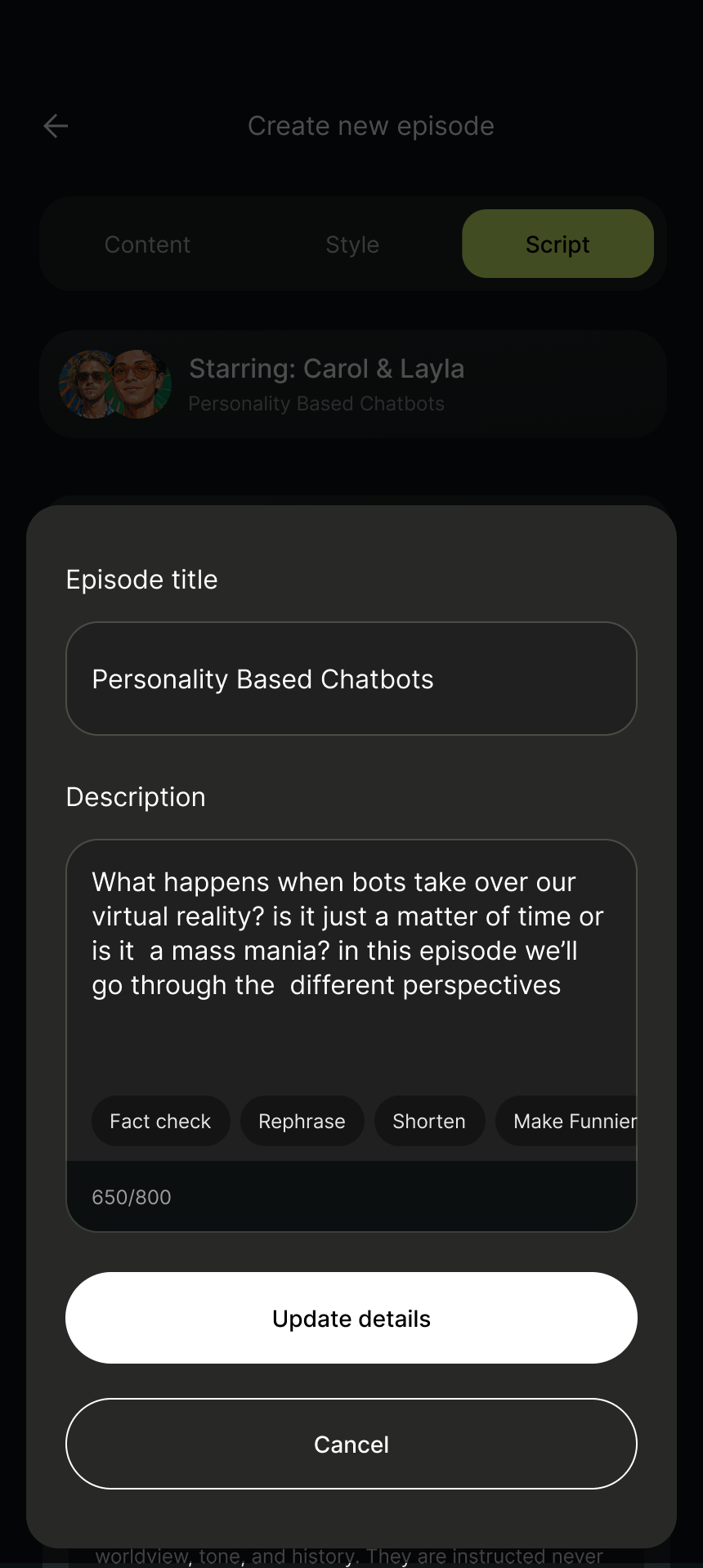
The playback experience is a dedicated episode screen with a persistent mini-player, so users can browse while listening. Episode metadata, category indexing, and a creation sheet round out the content management layer.
Architectural Details
- Frontend Stack
- React Native / Expo / Supabase
- Development Velocity
- 4 months (Design-to-MVP)
- API Integrations
- OpenAI (scripts, topic ideas, episode metadata) / Chatterbox TTS (voice synthesis)
- Audio Caching State
- Custom hook-driven client store